The argument against 4K is straightforward: most social media compresses to 1080p anyway, phone screens are small, and 4K files eat storage. All true.
But for motion graphics assets — overlays, backgrounds, and elements — 4K gives you something 1080p can’t: room to move.
The Reposition Advantage
A 4K overlay in a 1080p timeline gives you 4x the pixel area. You can:
- Scale the overlay to 50% and reposition it anywhere in the frame without quality loss
- Zoom into a specific section of a background animation for a tighter, more detailed look
- Pan across a particle field to create camera movement that wasn’t in the original render
With a 1080p overlay in a 1080p timeline, what you see is what you get. Any scaling above 100% introduces softness.
Edge Quality Matters for Overlays
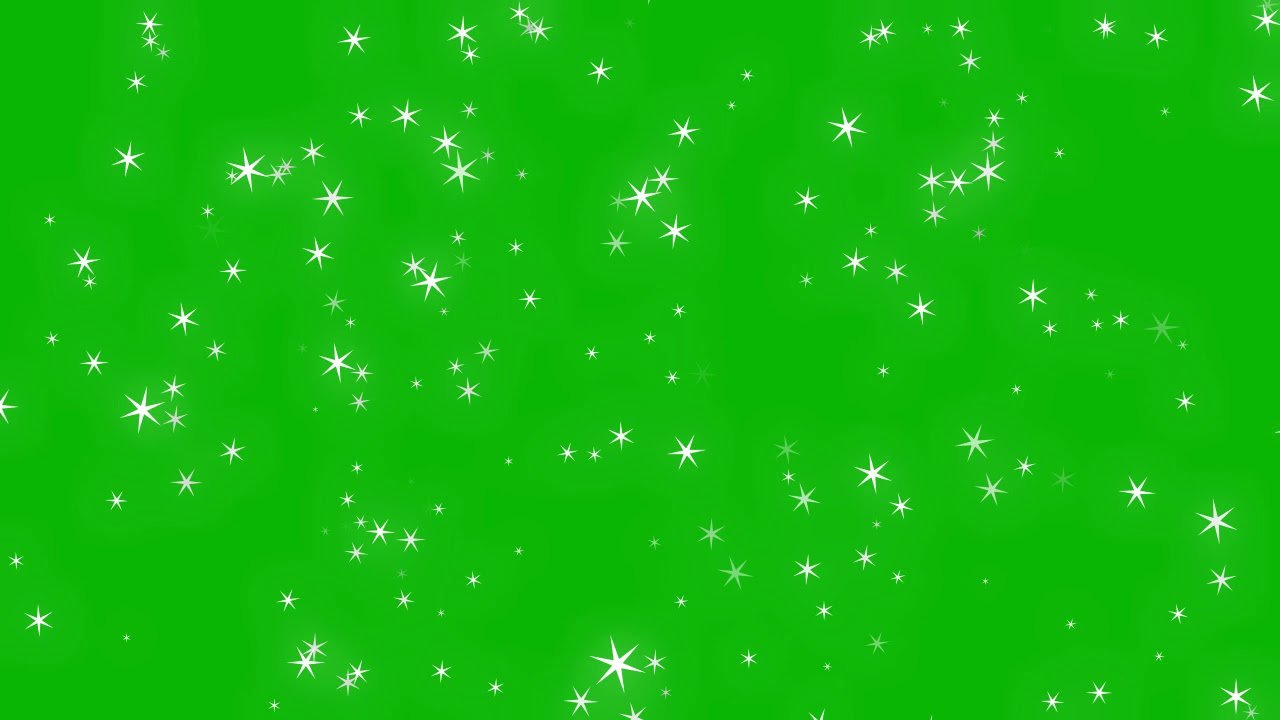
When you key out a green screen overlay, the edges of each element are where quality shows. A 1080p sparkle effect has fewer pixels defining each sparkle point. When keyed, those edges can look rough or aliased.
A 4K version of the same sparkle overlay has four times the edge detail. After keying, the elements look cleaner and composite more naturally — even in a 1080p final output, because the extra resolution is essentially supersampling.
When 1080p Is Fine
Not everything needs 4K. If you’re creating content exclusively for Instagram Stories or TikTok (vertical 1080x1920), the viewer’s screen is small enough that 1080p overlays look identical to 4K.
Also, if your system struggles with 4K playback, editing with 1080p proxies and swapping to 4K for the final render is a valid workflow.
File Size Reality
A 2-minute 4K H.264 file is roughly 100-250MB depending on content complexity. A 1080p version is 25-60MB. If you’re downloading multiple overlays for a project, the difference adds up.
ANFX provides file sizes in the asset details so you can decide before downloading. For quick social content, grab the 1080p version. For client work or broadcast, go 4K.
The Practical Answer
Download 4K when available. Even if your current project is 1080p, future projects might not be. A 4K asset library ages better than a 1080p one — and you can always scale down.