Blog
Insights, tutorials, and inspiration for creative professionals.

The Complete Guide to Video Overlays: Types, Techniques, and Creative Applications
Video overlays transform ordinary footage into polished productions. This comprehensive guide covers every type of overlay — from light leaks to glitch effects — with step-by-step techniques for Premiere Pro and After Effects.

Screen vs. Add vs. Overlay: Blend Modes for Video Compositing
You dropped an overlay on your timeline and it's covering the footage. Blend modes fix this — but which one? Here's what Screen, Add, and Overlay actually do and when to pick each.

How to Loop Video Seamlessly in Premiere Pro and After Effects
Not every video file loops cleanly. Here's how to check if a clip loops, fix ones that don't, and create seamless loops from scratch.
Free vs. Paid Motion Graphics: What You Actually Get
Free motion graphics assets aren't always worse than paid ones. The real differences are in licensing, format options, and support — not necessarily visual quality.

How to Add Snow Effects to Video Without Filming Snow
Adding realistic snow to video footage doesn't require a blizzard. Pre-keyed snow overlays, proper layering, and a few color adjustments get you there in minutes.

4K vs 1080p for Motion Graphics: Does Resolution Matter?
Most viewers watch on phones. So why render motion graphics at 4K? Because resolution isn't about the viewer's screen — it's about your flexibility in post.
How to Create a Glitch Effect in After Effects
Build a glitch transition from scratch in After Effects using displacement maps, RGB splitting, and time remapping — or save time with a pre-made glitch overlay.

Understanding Video Codecs: H.264, ProRes, and When to Use Each
H.264 is small. ProRes is huge. The difference matters more than file size — it affects your editing performance, render quality, and final output.

Motion Graphics Backgrounds: When and How to Use Them
Animated backgrounds solve a common production problem: what to put behind text, logos, and lower thirds. Here's how to pick the right one and make it work in your edit.
5 Ways to Use Green Screen Overlays Without a Green Screen
You don't need to shoot on green screen to use green screen assets. Pre-keyed overlays let you add effects like snow, sparkles, and glitches to any footage in seconds.
How to Use VHS Overlays in Your Video Projects
VHS overlays add instant nostalgia to modern footage. Here's how to apply them in Premiere Pro and After Effects — with free overlays you can download right now.
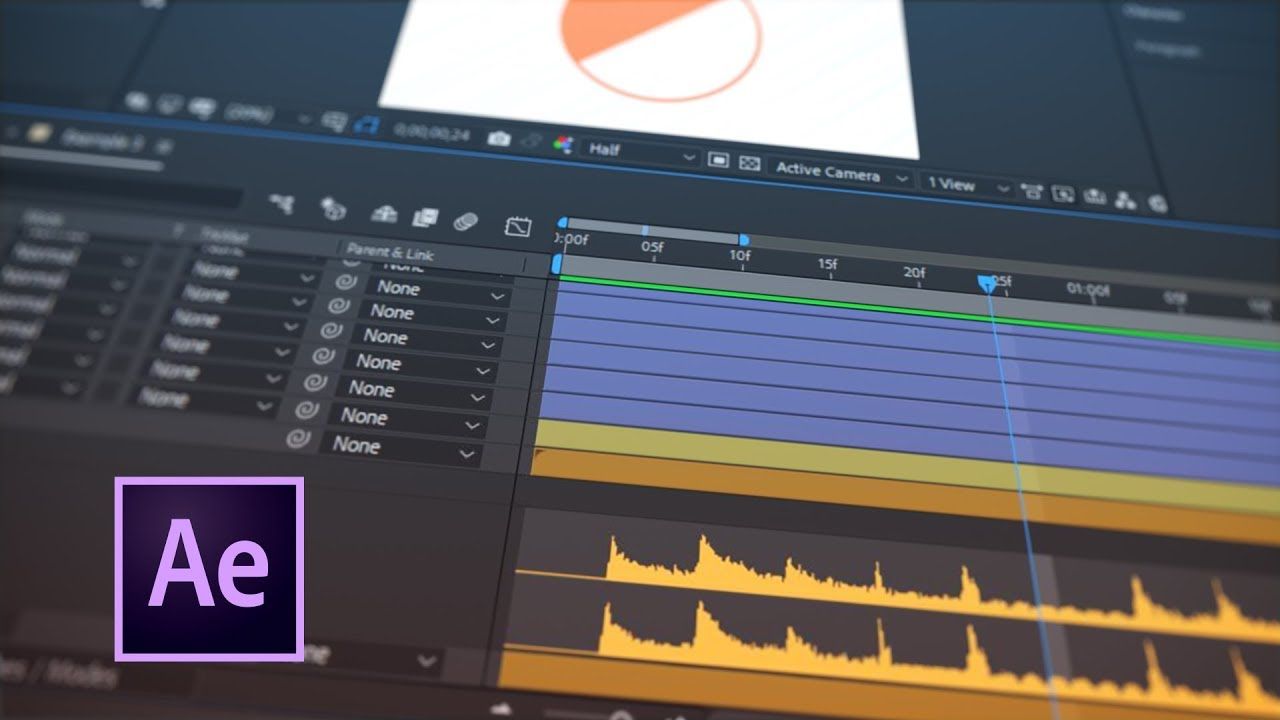
How To Trigger Layer Visibility with Sound and Expressions in After Effects | Ukramedia
Tutorial demonstrating techniques for controlling layer visibility in After Effects using sound-reactive expressions and audio-driven animation methods.

Check out ANFX YouTube channel!
Visit ANFX's YouTube channel for free green screen videos, motion graphics templates, and After Effects resources with daily 4K content updates.
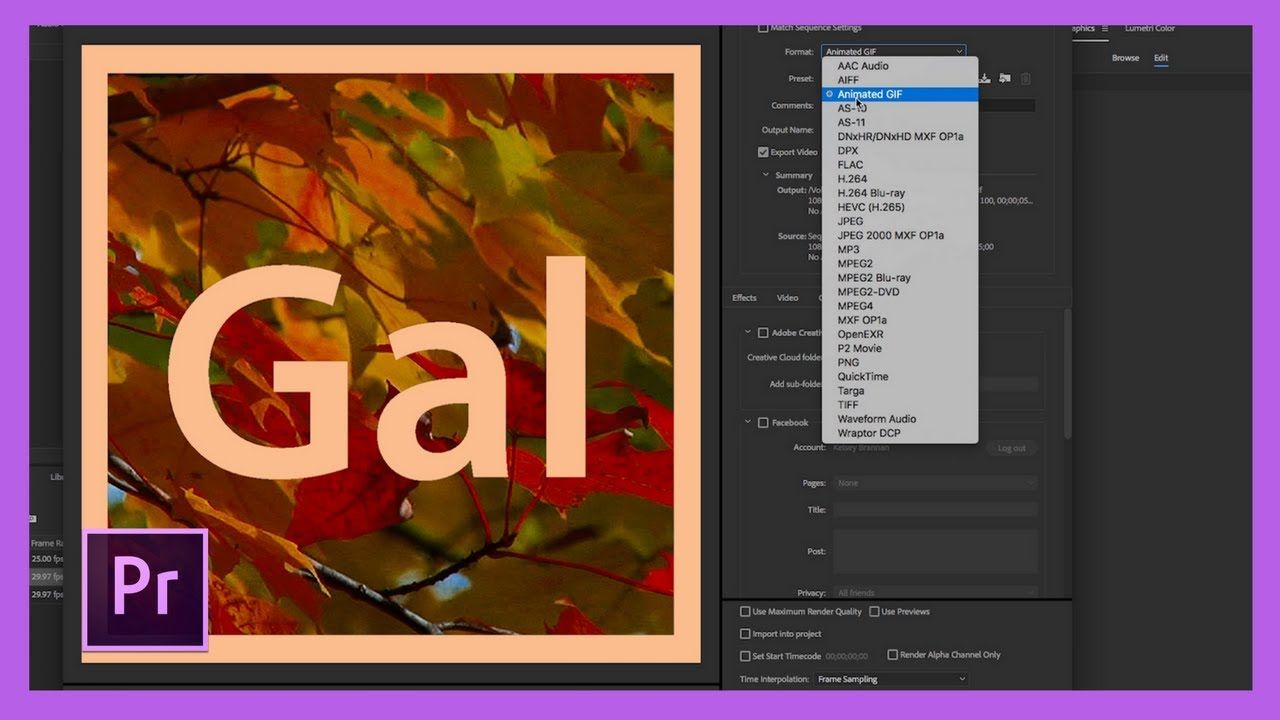
New Animated GIF Export Option in Adobe Premiere Pro CC 2018!
Guide to exporting animated GIFs directly from Adobe Premiere Pro CC 2018 using Media Encoder, making the process simpler than before.
Quickly fix faulty green-screen footage
Learn how to get quick keying results from compressed or badly shot green-screen footage with the Key Cleaner effect and remove color spill using the Advanced Spill Suppressor controls.

Add 3D text to video footage
Tutorial on placing 3D titles in video clips and tracking text to move realistically with footage using Adobe After Effects and Cinema 4D Renderer.

Adobe Unveils Breakthroughs in Video and Film Production
Adobe announced new Creative Cloud features for video editing, motion graphics, audio, and collaboration ahead of NAB Show, including virtual reality capabilities, enhanced character animation, and improved sound tools.
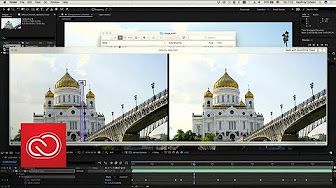
Adobe Project Cloak - Amazing NEW Tech!
Exploration of Adobe's Project Cloak, a content-aware fill tool for video powered by Adobe Sensei that enables removal of unwanted objects from video footage.
Adobe Unveils the Next Generation of Creative Cloud at MAX 2017
Adobe announced four new Creative Cloud applications at MAX 2017: Adobe XD CC, Adobe Dimension CC, Character Animator CC, and Lightroom CC, plus major updates to flagship apps like Photoshop, Premiere Pro, and After Effects.
Green Screen in Premiere Pro
A brief tutorial on implementing green screen techniques in Adobe Premiere Pro
7 After Effects Expressions you must know
A blog post covering essential After Effects expressions including wiggle, loop, bounce and others for motion graphics professionals.