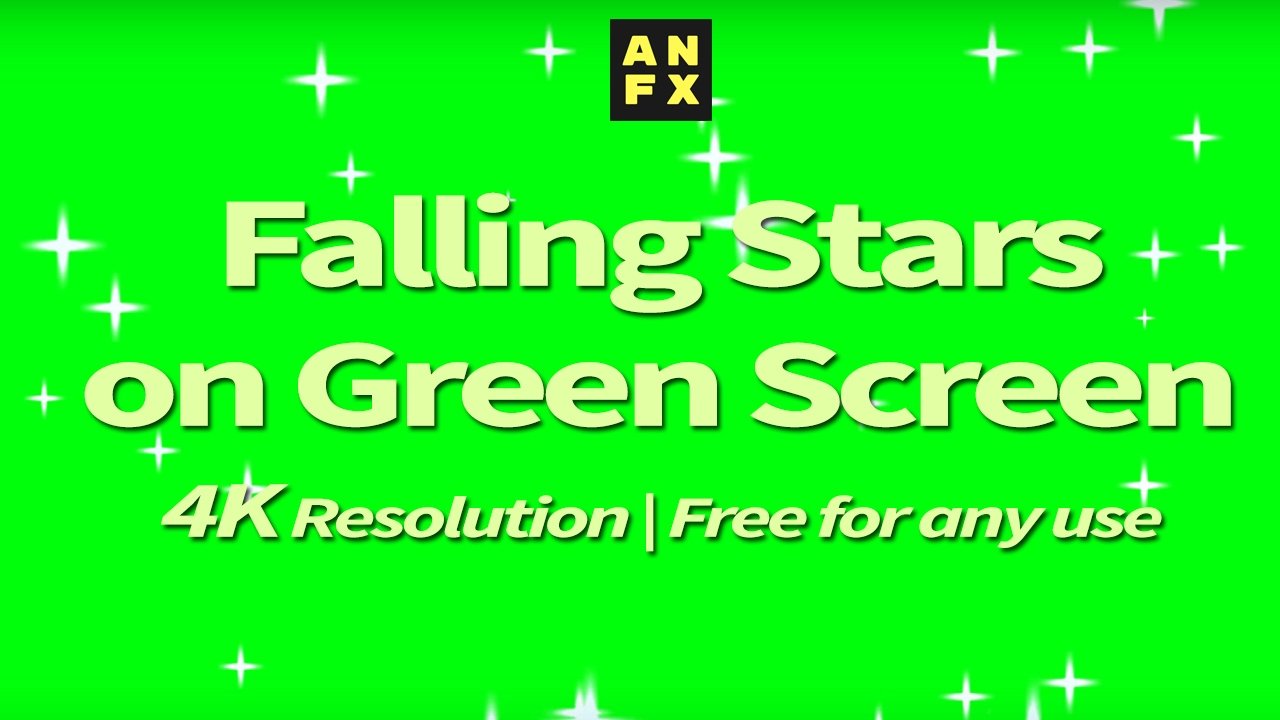
Most creators hear “green screen” and think of a physical backdrop in a studio. But the majority of green screen assets used in video production are overlays — pre-made effects rendered on a green background that you layer on top of existing footage.
You never need to set up a green screen to use them. Here are five practical applications.
1. Snow and Weather Effects
Filming real snow is unpredictable. A pre-keyed snow overlay gives you consistent, controllable snowfall that you can add to any shot. Import the overlay, apply the Ultra Key or Keylight effect to remove the green, and place it above your footage.
Adjust the scale to control the apparent size of the snowflakes. Larger scale makes them look closer to the camera, creating depth.
2. Sparkle and Glitter Accents
Product videos, music videos, and social content frequently use sparkle overlays. The effect is subtle but adds visual polish that’s hard to create from scratch.
Layer a sparkle overlay at reduced opacity (30-50%) and use Screen blend mode for a quick result. For green screen sparkle files, key out the green first, then adjust opacity.
3. Lower Thirds and UI Elements
Animated lower thirds rendered on green screen are common in broadcast and YouTube production. They’re pre-designed, pre-animated, and ready to key over your footage.
The benefit over building lower thirds from scratch: consistent quality and animation timing without spending hours in a motion graphics application.
4. Transition Effects
Glitch effects, light leaks, and distortion overlays can serve as transitions between scenes. Place the overlay at the cut point, spanning both clips. The visual disruption masks the edit.
This works especially well for music videos and fast-paced content where hard cuts feel too abrupt but a dissolve feels too soft.
5. Atmospheric Elements
Dust particles, smoke, lens flares, and floating hearts — these overlays add atmosphere to footage that was shot in a clean environment. A corporate interview can feel warmer with subtle floating particles. A wedding video gets a romantic touch with heart overlays.
The key is subtlety. These elements should enhance the mood, not distract from the subject.
Keying Tips
Regardless of which application you’re using, clean keying matters:
- Use Keylight in After Effects or Ultra Key in Premiere Pro
- After pulling the key, check for green spill on the edges of the effect — the Spill Suppressor effect handles this
- If the overlay has thin or transparent elements (like individual sparkle points), you may get a cleaner result using Screen blend mode instead of keying