Filming in real snow is cold, unpredictable, and expensive. But a winter scene without visible snowfall looks oddly sterile. Snow overlays solve this — they add controllable, consistent snowfall to any footage shot on a clear day.
Here’s how to make it look real.
Layer Multiple Snow Elements
A single snow overlay looks flat. Real snow has depth — large flakes close to the camera, smaller ones in the background, and a general atmospheric haze.
Use two or three snow overlays stacked:
- Bottom layer: small, dense snowflakes at 60% opacity for background atmosphere
- Middle layer: medium flakes at full scale
- Top layer: large, blurred flakes at 130% scale with a 2px Gaussian Blur for foreground bokeh
This three-layer approach creates convincing depth that a single overlay can’t achieve.
Selling the Cold
Snow falling over warm-toned footage looks wrong. Your footage needs to match the cold environment.
Apply a color correction to your base footage before adding snow:
- Shift the white balance cooler (toward blue) by 10-15%
- Reduce saturation by 15-20%
- Lift the shadows slightly to simulate the flat lighting of overcast winter skies
- Add a subtle blue tint to the highlights
These adjustments take 30 seconds and make the snow overlays feel like part of the scene rather than pasted on top.
Blend Mode Selection
If your snow overlay is on a black background, use Screen blend mode. This makes the black transparent and keeps only the bright white snowflakes.
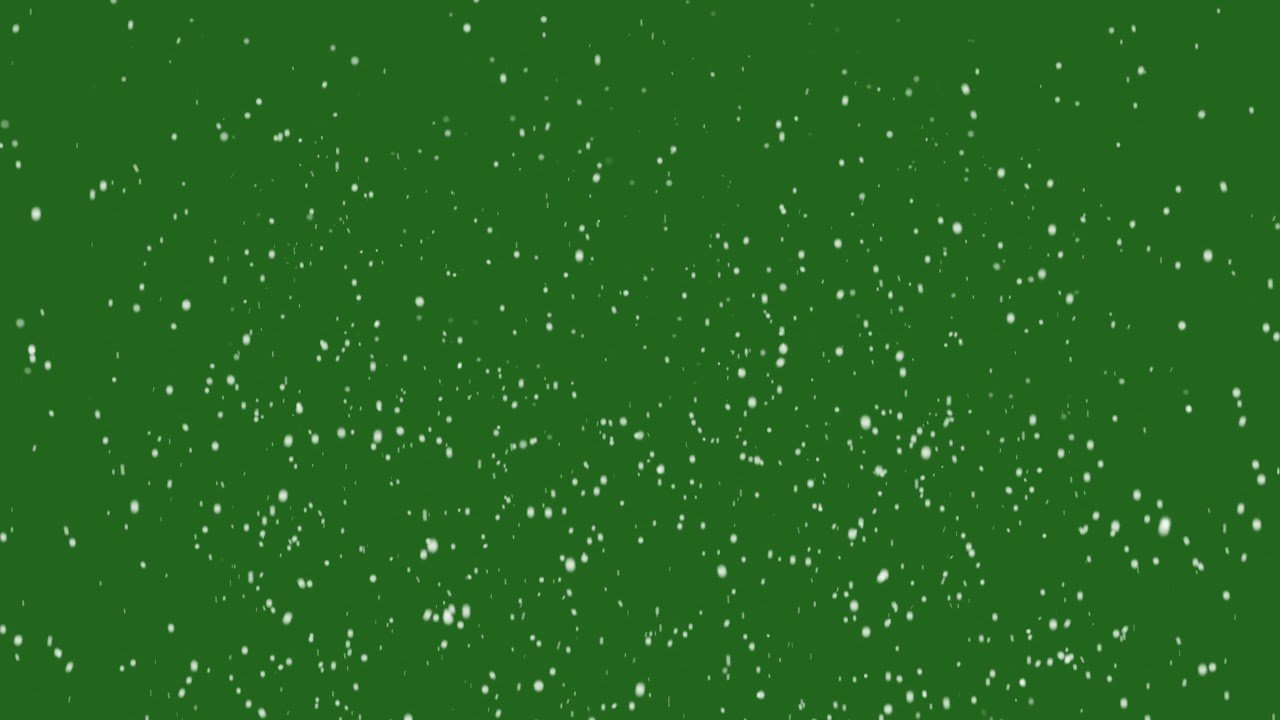
If it’s on a green screen, use Ultra Key or Keylight to remove the green, then composite normally.
Screen mode is faster and usually sufficient. Keying gives you more control over edge quality but takes an extra step.
Speed and Direction
Most snow overlays animate at a fixed speed and direction. To match your scene:
- Use Time Stretch or Rate Stretch in Premiere Pro to slow the overlay for gentle snowfall or speed it up for a storm
- If wind is visible in your shot, use the Motion Tile effect to add horizontal drift to the snow
- For a steady downfall with no wind, the overlay usually works as-is
Free Snow Overlays
ANFX has pre-keyed snow overlays in HD with alpha channels — ready to drop into your timeline. There are both small flake and large flake versions, so you can build the layered depth described above without needing to modify a single file.