Drop a VHS overlay on top of clean 4K footage and it instantly looks like it was pulled from a dusty tape collection. That contrast — sharp modern video underneath, analog distortion on top — is why VHS effects have stayed popular for over a decade.
This guide covers three ways to use VHS overlays, from the simplest drag-and-drop method to more controlled compositing.
The Fast Way: Premiere Pro
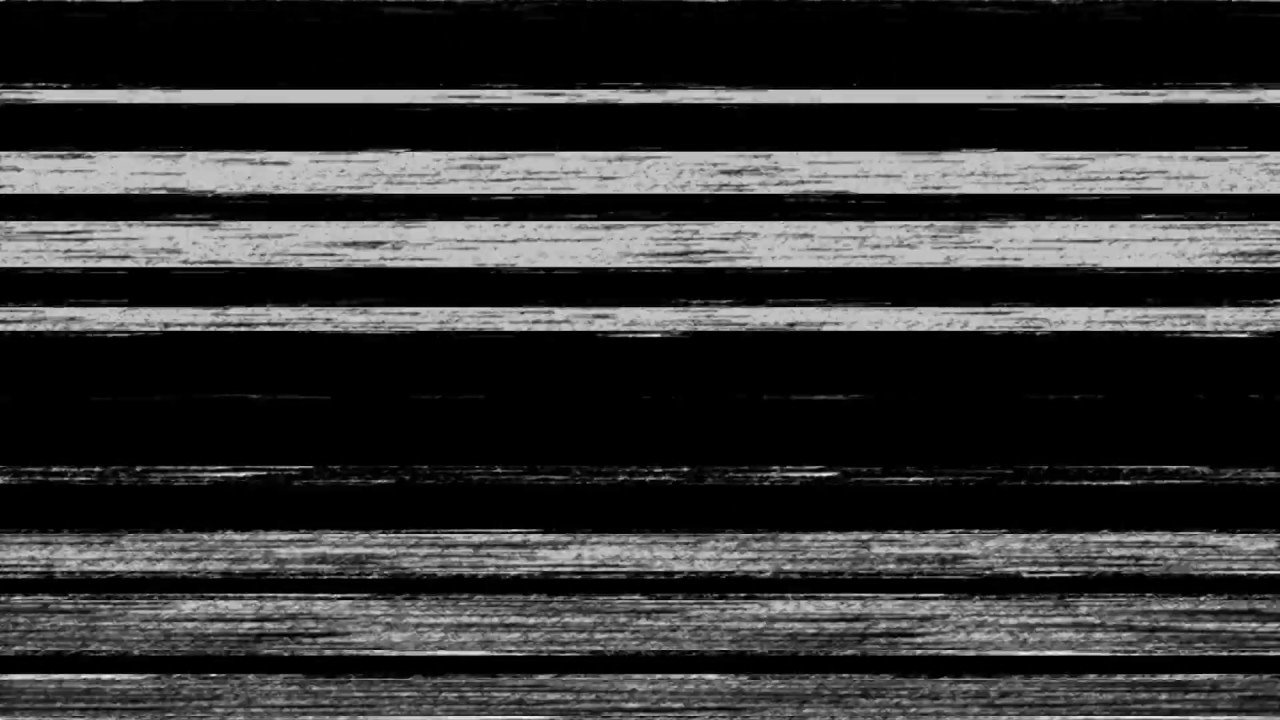
Import your VHS overlay file (MP4 or MOV) and place it on a video track above your footage. Set the blend mode to Screen if the overlay has a black background, or use a keying effect if it’s on green screen.
Screen mode works because it makes all black pixels transparent while keeping the bright VHS artifacts — scan lines, color bleeding, and tracking noise. No masking required.
Adjust the opacity to taste. 60-70% usually hits the sweet spot where the effect is visible but doesn’t overpower the footage.
More Control: After Effects
For finer control, bring the overlay into After Effects. You can:
- Use Levels to crush the blacks before applying Screen mode, which removes any dark gray noise that Screen alone might leave visible
- Add a Gaussian Blur at 1-2px to soften the overlay so it blends more naturally with your footage
- Animate the opacity so the VHS effect fades in during transitions or specific beats
The advantage of After Effects is that you can stack multiple overlays — combine a subtle VHS tape texture with a separate glitch overlay for a more complex look.
Matching the Era
The overlay is only half the effect. To sell the VHS look, consider these adjustments to your base footage:
- Reduce the resolution slightly — VHS was roughly 320 horizontal lines. Adding a subtle blur or downscaling then upscaling helps.
- Shift the color. VHS had limited color reproduction. Desaturate by 20-30% and push the whites toward a slight yellow or blue tint.
- Add a 4:3 crop with black bars if you want the full retro framing.
Where to Get Free VHS Overlays
ANFX offers several free VHS overlays in 4K resolution, including standard tape noise, rewind effects, and subtle distortion variants. All are on black or green screen backgrounds, ready to composite with Screen or keying.
Download them from the overlays section and start experimenting. The best results come from trying different combinations — a subtle tape overlay at 40% opacity often looks more convincing than a heavy effect at full strength.